
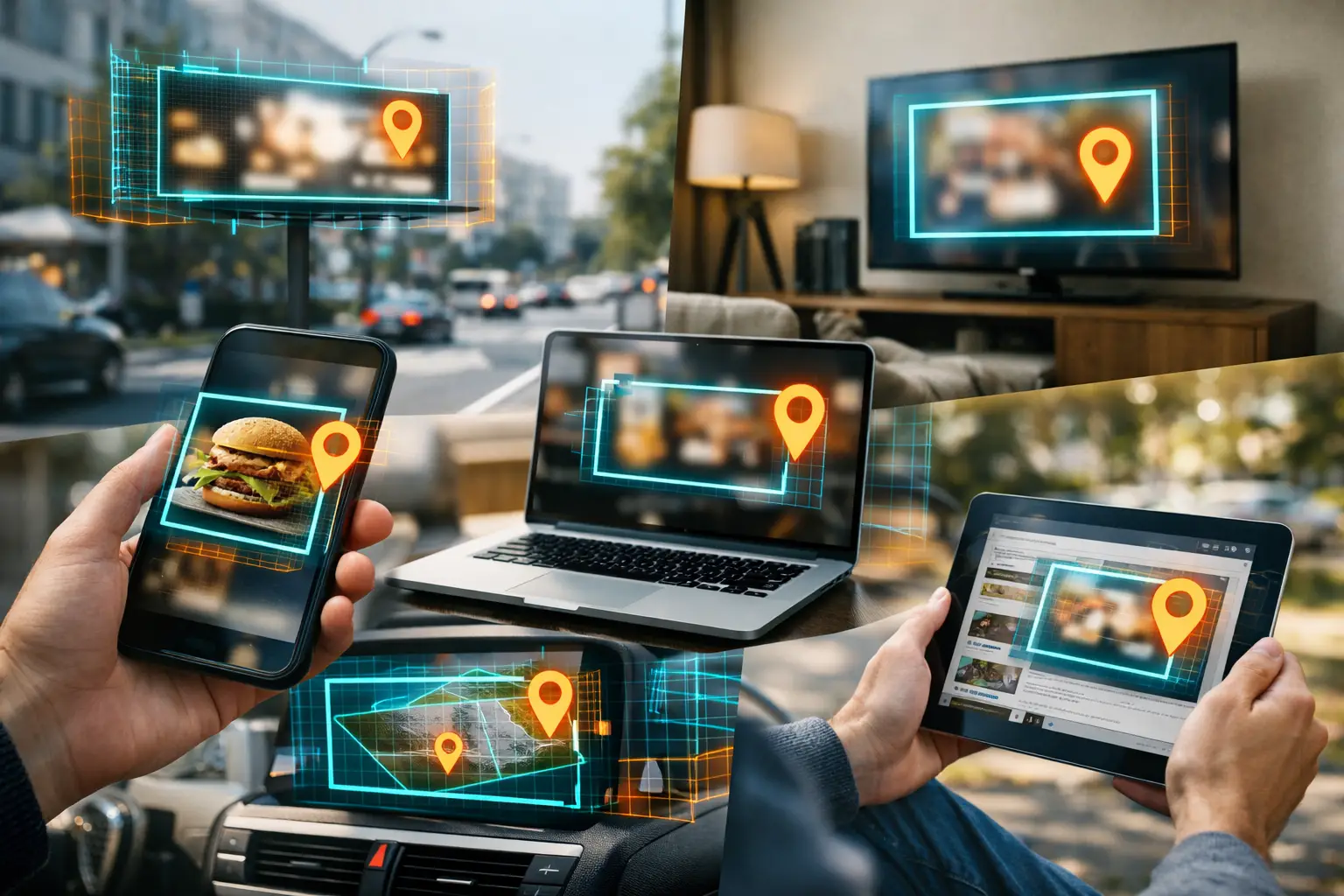

Geofence advertising is a targeting method that reaches people after they have visited a precisely defined real-world location. Geofencing ads appear across the apps, websites, streaming services, and connected devices those visitors use later—not as an ad pinned to a map.
That distinction matters for local businesses. Drawing a boundary around a competitor, event venue, or homes within a defined neighborhood creates a highly relevant target audience. Delivery then happens through standard digital ad inventory across multiple screens.
Where Do Geofencing Ads Appear After a Location Visit?
A campaign can rely on a single channel (like mobile display) or combine multiple placements to build frequency without relying on one screen alone.
1. Mobile apps and mobile web
Mobile inventory is the placement most people associate with geofencing, and for good reason. Smartphones are commonly used when people are out shopping, attending an event, comparing local options, or traveling through a service area. After a person visits a geofenced location, they may see a display ad while checking the weather, reading news, using a non-sensitive app, browsing local content, or visiting a mobile website.
These placements typically use standard display formats, with a static or animated image and a clear message. For a local restaurant trying to reach attendees after a community event, that could mean an offer or a reminder to order online. For a home services company targeting specific neighborhoods, it could mean a seasonal message paired with a direct call to request an estimate.
Mobile display is useful because it offers scale and supports quick, location-relevant creative. Its trade-off is that screen space is limited. A crowded design, tiny type, or too many calls to action will not perform well. Keep the message focused enough to understand in a glance.
2. Desktop and laptop websites
The same audience can often be reached while browsing on a desktop or laptop. Ads may appear as banner placements on publisher websites, local news pages, lifestyle content, blogs, and other available web inventory. Desktop placements can be especially valuable for businesses whose customers research, compare options, fill out forms, or make larger purchases from a computer.
Think about a commercial cleaning company targeting office complexes or a remodeling company reaching homeowners in a specific neighborhood. A desktop ad can give the visitor more room to absorb a project gallery, financing message, service area, or lead-generation offer. It can also complement mobile impressions rather than compete with them.
Desktop is not automatically better than mobile. It depends on the buyer journey. If your offer requires a longer form or more consideration, desktop can pull more weight. If your goal is immediate awareness around a local audience, mobile may deliver more efficient reach. Looking at reporting by device and conversion activity helps determine the right balance.
3. Connected TV and OTT streaming apps
Connected TV, often called CTV or OTT, puts video ads on streaming content viewed through smart TVs and devices such as Roku, Apple TV, Fire TV, and gaming consoles. This is one of the most visible answers to the question, “Where do geofencing ads appear?” A person who visited your target location could later see your video ad while streaming a show at home.
CTV is powerful for local awareness because it combines a large-screen experience with location-informed audience targeting. A regional dealership group, franchise operator, or event marketer can use video to reach a highly specific local audience without buying a broad television market.
The trade-off is creative. CTV needs a clear, polished video asset that communicates its point quickly. You do not need a national-brand production budget, but you do need readable text, strong visuals, and a message that works with sound on or off. A 15- or 30-second spot should make the business, benefit, and next step obvious.
4. Online video pre-roll
Video pre-roll ads appear before, during, or alongside online video content on eligible publisher and streaming inventory. Unlike CTV, pre-roll is often viewed on phones, tablets, and computers. It gives advertisers another way to use motion, voice, and visual proof when a static display ad is not enough.
A local fitness studio can show a short tour of its space. A contractor can feature before-and-after project footage. A business targeting attendees from a trade show can use a quick brand introduction and a simple reason to book a conversation. The location target defines who is eligible to receive the ad, while video inventory defines where that message is seen.
Pre-roll works best when the opening seconds do the heavy lifting. Do not save the business name or offer for the end. Viewers may skip when inventory allows it, and even unskippable impressions need a message that earns attention rather than simply occupying time.
5. Streaming audio platforms and digital audio inventory
Geofenced audiences can also hear ads through streaming music, podcasts, and other digital audio environments. Audio offers a different kind of attention. Someone may be driving, working, exercising, or doing chores when they hear your message, which makes it a practical format for building local name recognition.
For service businesses, audio can be especially effective when paired with a memorable offer and a simple next step. Mention the business name clearly, use a short phone number or easy-to-remember URL in the creative, and avoid trying to explain every service. Audio does not give the listener a visual menu of options, so clarity matters more than clever wording.
Audio should not be treated as a stand-alone fix for every campaign. It is often strongest as part of a broader mix that includes display or video, where people can later see the same brand and act on it.
6. Other connected devices in the household
Location-based advertising can extend beyond the phone associated with a qualifying visit. Through privacy-conscious device and household matching methods, campaign delivery may reach connected devices such as tablets, computers, and TVs associated with that audience, depending on available inventory and platform capabilities.
This extension is useful because people move between screens. Someone may visit a competitor location with their phone, research alternatives on a laptop that evening, and stream content on TV later in the week. Reaching appropriate connected devices can create more consistent local visibility than relying on a single mobile impression.
It is not a guarantee that every visitor will be matched to every device, and it should not be sold that way. Match rates, available inventory, campaign settings, and privacy requirements all affect delivery. The practical benefit is added reach and frequency across the screens people actually use.
The Geofence Sets the Audience, Not the Ad Placement
The most common misunderstanding is assuming that drawing a geofence determines exactly where ads will show. It does not. The geofence identifies a qualifying real-world visit. The ad platform then bids on available digital inventory where that audience can be reached.
That is why hyper-specific location selection matters. A tight boundary around a competitor storefront, event entrance, business complex, or defined neighborhood can help reduce wasted impressions before the campaign ever reaches the ad-placement stage. A broad radius may pull in people who were merely nearby, while a carefully drawn polygon is designed to focus on the location that actually matters to your business.
The audience also needs time to build. If the location has low foot traffic, a campaign may need a longer lookback window, additional target locations, or a broader placement mix to generate meaningful scale. Precision is valuable, but precision alone does not create volume.
How to Choose the Right Placement Mix
Start with the action you want after the ad is seen. If you need broad awareness for a new location or local event, combine display with CTV or video pre-roll. If you want quote requests or online inquiries, prioritize display and desktop inventory with a strong landing page. If your goal is repeated local recognition, layer audio into the mix and keep your message consistent across channels.
Creative should match the screen. A CTV ad can tell a short story. A mobile banner needs one immediate benefit. Audio needs a message people can remember without looking at anything. Reusing the exact same asset everywhere is convenient, but adapting the message to the placement usually produces a better experience.
Finally, measure more than impressions. Watch delivery by device, clicks where applicable, site activity, conversion-zone visits, and campaign pacing. A self-serve platform such as Qujam gives advertisers the ability to see those results while campaigns are running, then adjust locations, budgets, audiences, or creative based on what the data says.
The useful question is not only where your geofencing ads appear. It is whether each placement gives the right local audience a credible reason to remember you and take the next step.


