
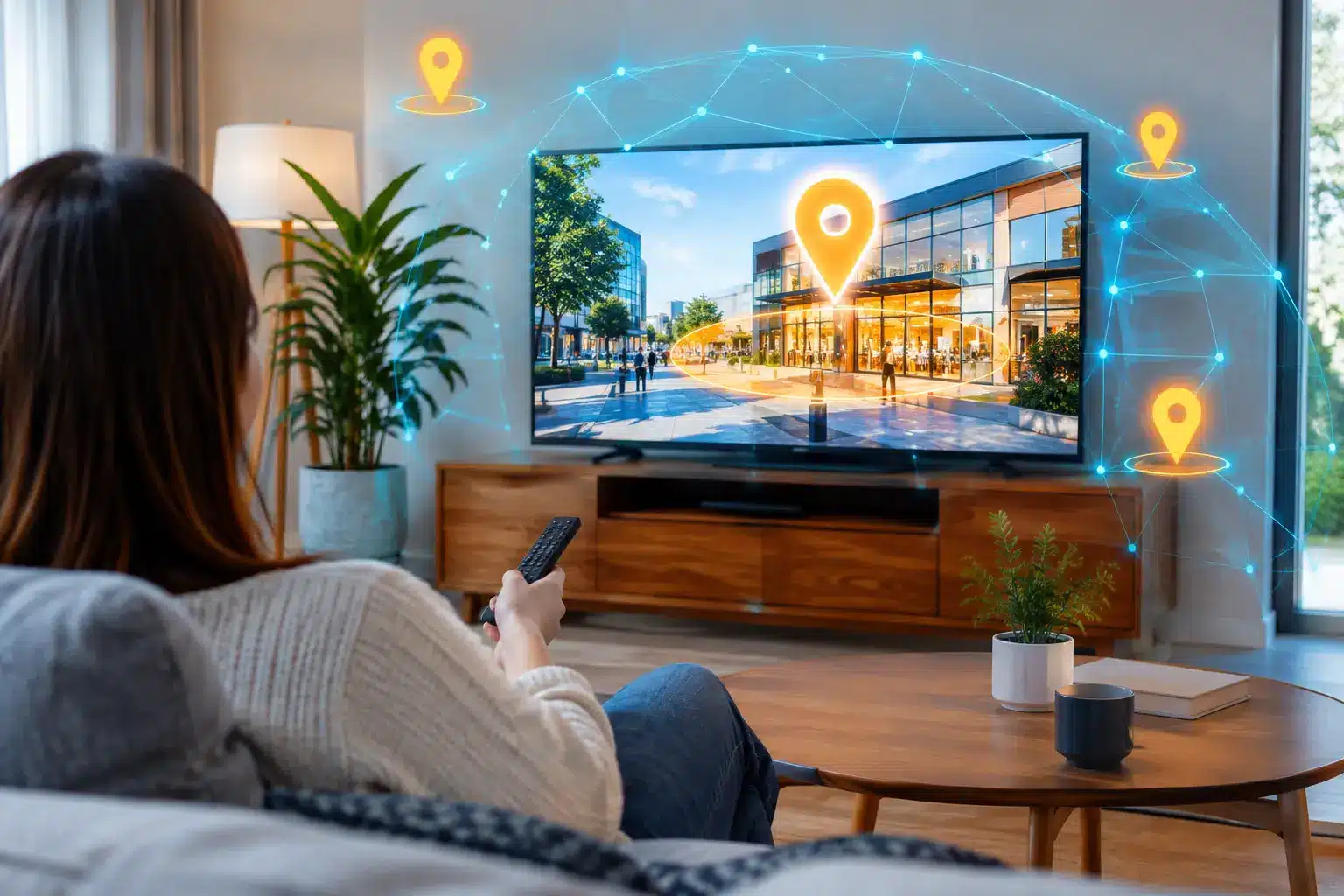

A streaming TV ad can make a local business look bigger than its footprint. The hard part used to be making sure the right households see it. To create local CTV audiences that can actually drive store visits, event attendance, or service inquiries, start with where your best prospects physically go—not with a broad city, ZIP code, or generic interest category.
Connected TV gives local advertisers a high-impact screen without buying a traditional TV schedule. But a beautiful 30-second spot shown across an entire metro area can still waste a lot of your budget. Local CTV often works best when precise location data, a realistic service area, and a clear offer work together.
Start With the Places That Signal Intent
Local audience building begins before the CTV campaign settings. Ask a more useful question than, “Who lives near us?” Ask, “What real-world locations tell us someone may need what we sell?”
For a home services company, that could mean households connected to people seen at home improvement stores, relevant local events, or neighborhoods within an active service zone. A dealership may want to reach people who visited competing dealerships. A franchise location may focus on nearby shopping centers, business districts, or community destinations that consistently bring in its ideal customer.
The goal is not to chase every person who passes through a large area. It is to identify physical spaces that indicate relevance, then use privacy-compliant mobile location signals to build an audience that can be extended to connected TV devices.
This is a major difference between drawing a broad radius ring and creating a precision geofence. A radius around a competitor can easily include neighboring businesses, apartments, parking lots, and unrelated traffic. A carefully drawn custom polygon can focus on the actual property or event footprint. Less spillover means a cleaner audience and less ad waste.
How to Create Local CTV Audiences Step by Step
If you use a managed-service agency like or, or a complex enterprise programmatic platform, launching a CTV campaign often requires submitting a media plan, meeting steep minimum spends, and waiting days for an account manager. In a self-serve platform such as Qujam, you can map your market, build your audience, and launch immediately.
1. Map your real market
Start by defining where you can serve profitably. If your crews serve only selected neighborhoods, draw those neighborhoods. If you have separate offers by location, create separate campaign groups rather than forcing one generic message across the entire region. Keep the first campaign focused. Testing five or 10 strong locations is often more useful than adding hundreds of uncertain ones.
2. Use Hyper-Grid Geofencing for hyper-local CTV campaigns
When your goal is to dominate specific neighborhoods or residential pockets on the big screen, standard precision polygons or ZIP codes often fall short. This is where Hyper-Grid Geofencing becomes the ultimate CTV tool.
With Hyper-Grid, you can select pre-defined 0.5-mile by 0.5-mile bounding boxes on a map. Instead of blanketing a whole city with your streaming commercials, you can deliver OTT/CTV ads strictly to the households inside those specific grid squares. Furthermore, Hyper-Grid allows for demographic targeting, meaning you can layer on data like household income, homeownership, or life stages. If you are a luxury remodeler, you can serve your CTV ad exclusively to high-income grids, ensuring your television budget is spent only on qualified viewers.
This is also critical for compliance. If you are operating in states like Oregon, Virginia, Maryland, New Jersey, or Connecticut where precision geofencing is legally restricted, Qujam’s Hyper-Grid ensures your CTV campaign remains 100% compliant.
3. Allow enough time to build an audience
CTV audience creation is not instant magic. A geofence collects eligible, privacy-compliant mobile location signals over time, and those signals are used to reach associated household devices across available inventory. A one-day campaign around a small location may not produce enough scale for meaningful CTV delivery.
For events, set up the footprint early, capture attendees during the event, and continue reaching the audience afterward across their streaming TVs while the experience is still fresh.
4. Build creative for a local decision
CTV is a lean-back format. Your ad needs to make the local relevance obvious quickly. Show the business name, the offer, and the geography early. Avoid treating CTV like a tiny desktop display ad. Use readable text, strong visual contrast, and one message per spot. A 15-second video works well for a direct local offer, while 30 seconds makes sense when the product needs more explanation.
5. Control frequency and campaign timing
A household does not need to see the same ad repeatedly in a single evening. Set reasonable frequency controls so the campaign stays visible without becoming irritating. Timing should match real behavior: a weekend promotion needs heavier delivery in the days leading up to it, while a service business can pace spend across the month.
Measure More Than Video Completion
Completed video views can tell you whether people watched, but they do not prove that the campaign drove a business outcome. Local advertisers need to connect media delivery to actions that matter.
For location-based businesses, foot-traffic measurement is the clearest signal. By setting an automated conversion zone around your storefront, you can measure real-world visits from devices exposed to the CTV campaign against a comparable unexposed audience. Pair foot-traffic results with website activity, calls, appointment requests, and offer redemptions.
Common Mistakes That Shrink Local CTV Results
Before launching your campaign, run through this quick checklist to ensure you are not falling into the standard CTV traps:
• Targeting Too Broadly: A citywide audience is rarely the best first move for a local advertiser with a defined service area. Start where intent is highest (competitors, events, or specific Hyper-Grid neighborhoods) and expand based on results. • Missing the Local CTA: Using a generic brand commercial with no local Call to Action leaves viewers guessing. State what you offer, where you are, and why they should act now. • Changing Everything at Once: Test one meaningful variable at a time (e.g., a competitor audience versus a neighborhood audience, or a 15-second spot versus a 30-second spot). If you change the creative, targeting, and budget in the same week, you will not know what caused the performance shift. • Relying on IP-Targeting Alone: Some vendors rely heavily on mapping offline databases to household IP addresses. While useful for direct mail lists, true mobile location signaling captures real-time, on-the-go physical intent far more accurately for agile local businesses. Your next local CTV campaign does not need to reach everyone with a television. It needs to reach the households most likely to recognize your offer, remember it, and take the next step nearby.
Key Takeaways: Building Local CTV Audiences
• Intent-Driven CTV: Stop buying broad DMA television spots. Use precision geofencing to serve CTV ads strictly to households that recently visited high-intent physical locations, like competitor storefronts or relevant events. • Hyper-Grid for CTV: Target hyper-local neighborhoods on the big screen using Qujam’s Hyper-Grid Geofencing, which delivers OTT/CTV ads to specific 0.5-mile by 0.5-mile bounding boxes. • Demographic Layering: Combine geographic and demographic data by adding filters (like income or life stages) to your Hyper-Grid CTV campaigns to ensure you only pay for highly qualified households. • The Ad-Tech Landscape: Enterprise platforms managed-service agencies often lock CTV access behind high monthly minimums. Self-serve platforms like Qujam allow local advertisers to launch CTV with agile, real-time budget control. • Actionable Measurement: Tie CTV exposure directly to offline foot traffic using Conversion Zones to track real-world store visits, rather than relying solely on vanity metrics like video completion rates.


